
Product documentation
Review feedback records
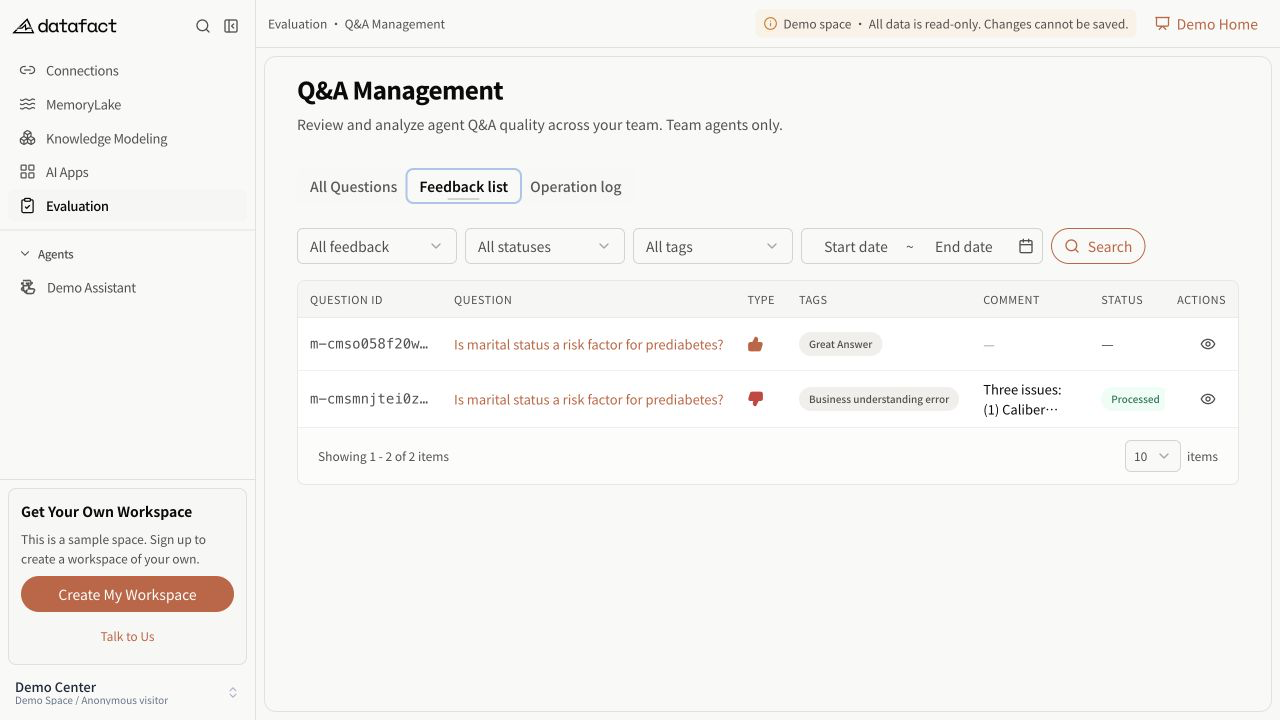
- Open Q&A Management > Feedback Records.
- Review the question ID and text, feedback type, reasons, comment, handling status, optimization progress, Agent, user, and feedback time returned for each row.
- Use the related-question action to open the corresponding Agent Session when available.
Filter records
Feedback type, handling status, reasons, Agent, and the user selector when visible apply immediately. This tab does not provide question-keyword or question-ID text search.
Important limitations
- A row describes a feedback record, not an independent factual review of the answer.
- Reasons and comments are supplied by a user and can be incomplete.
- A related Session can be inaccessible even when a record is visible; Session access is checked separately.
- Empty results and query failure are distinct states.