
Product documentation
Create a SQL dataset
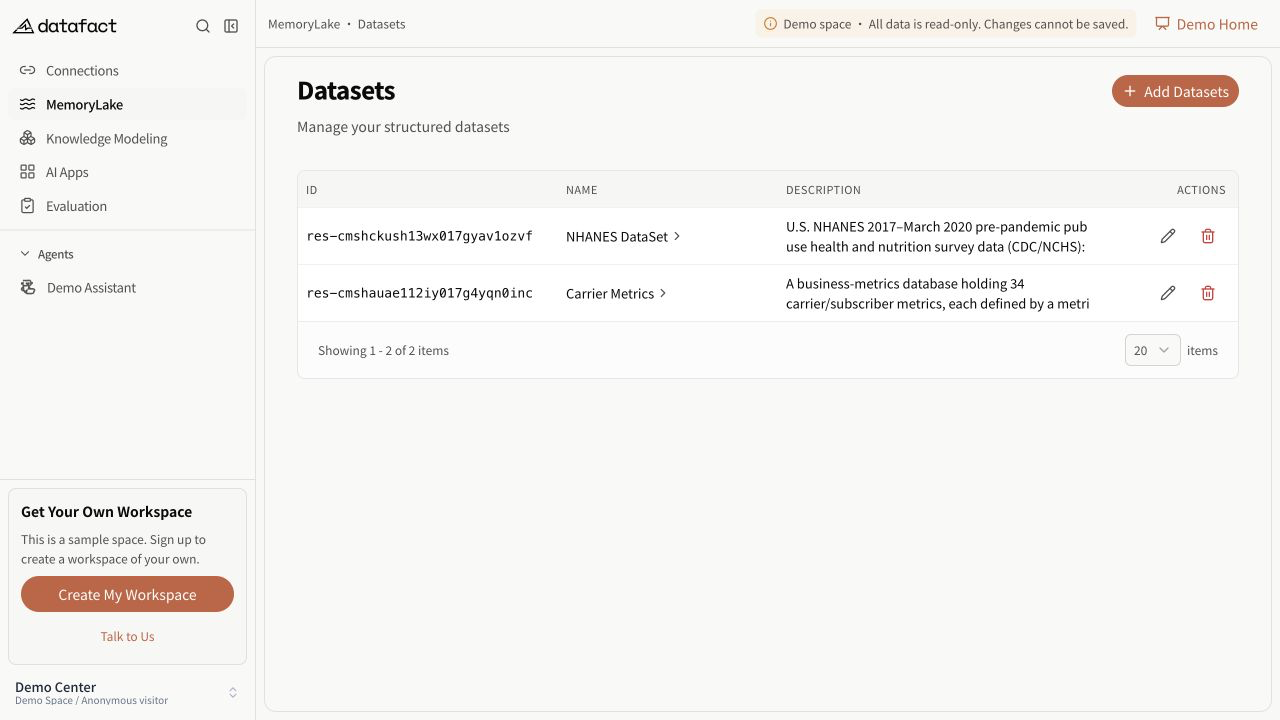
A Dataset in MemoryLake defines a structured-data scope for analysis. It references an existing database connection and one or more schemas; it does not copy the source database into DataFact.
Prerequisites
You need corresponding access to Datasets and at least one available database connection. If no connection is available, Create Dataset is disabled and the page directs you to create a database connection first.
Create the dataset
- Open MemoryLake > Datasets.
- Select Create Dataset.
- Select a database connection.
- Select one or more schemas. You can select all currently listed schemas or clear the selection.
- Select Next.
- Enter a non-empty name and description.
- Complete any additional access step shown for your workspace. This guide does not cover access-policy configuration.
- Review the database connection, database, schemas, name, and description.
- Select Create Dataset.
You can return only to a step you have already reached. Selecting Cancel returns to the dataset list without creating the dataset.
Expected result
DataFact confirms creation and returns to the dataset list. The new row identifies the dataset, its database connection, selected schemas, and creation time.
Errors and recovery
- If DataFact asks for a connection, select one before continuing.
- If DataFact asks for a schema, select at least one schema.
- If schemas are still loading, wait before selecting them. If none are returned, verify the database connection in Databases.
- If creation fails, keep the form open, verify the required fields, and try again. A quota error means the current workspace cannot create another database dataset.
Important limitations
- Name and description are required during creation.
- The database connection and schema selection are fixed after creation in the current interface.
- Schema selection defines scope; it does not expose a separate table-by-table or field-by-field configuration step.