
Product documentation
Browse files and folders
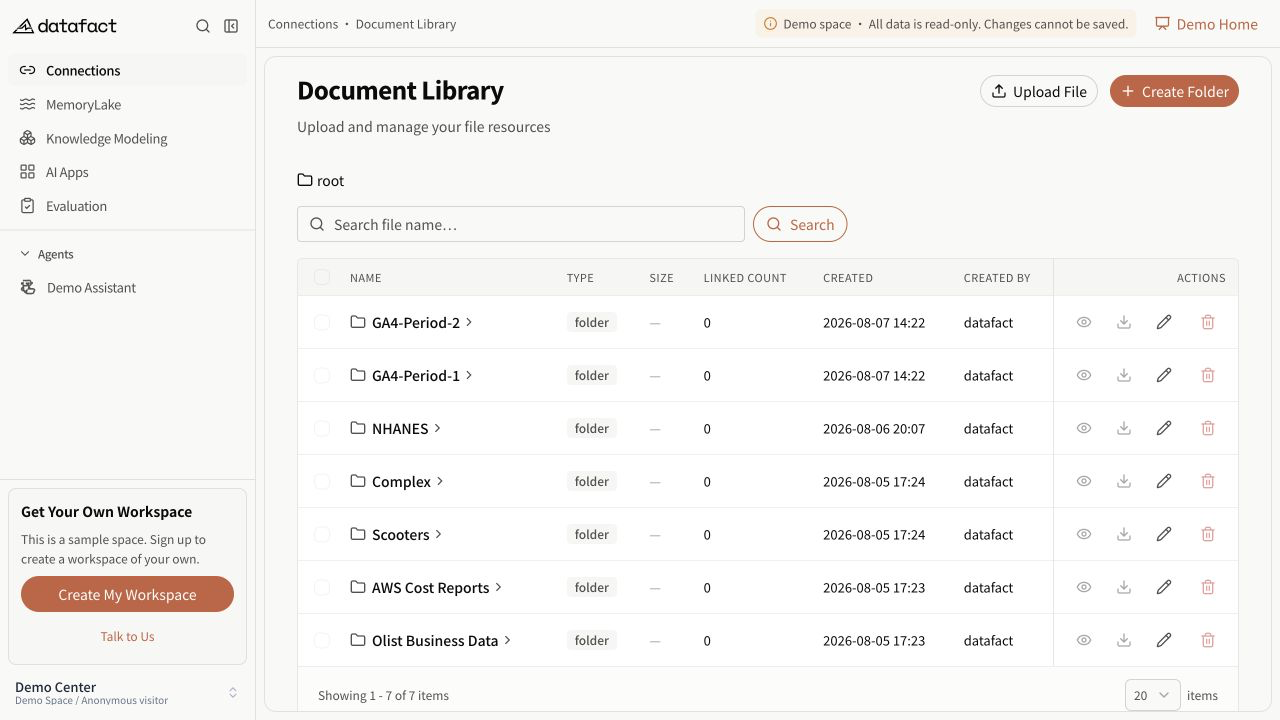
The Document Library stores files and folders used by downstream document and data workflows. You need corresponding access to open this area.
Browse the library
- Open Document Library.
- Review the name, type, size, linked count, creation time, and creator shown for each item.
- Select a folder name to enter it.
- Use the breadcrumb to return to the root or a previously visited level.
Folder size is not displayed as a file size. The linked count, when present, indicates that another resource refers to the item; it does not describe the contents of that resource.
Search files
- Enter part of a file name in Search file name….
- Run the search.
- If there is no match, adjust the keyword or reset the search.
Search and pagination apply to the current folder context. Moving to another folder clears the current page selection.
Read list states
- A loading indicator means the list has not finished loading.
- A load error means the list could not be retrieved; refresh or retry the page.
- No files yet means the current location has no returned items.
- A filtered empty state means the current search returned no matches.