
Product documentation
Explore the topology graph
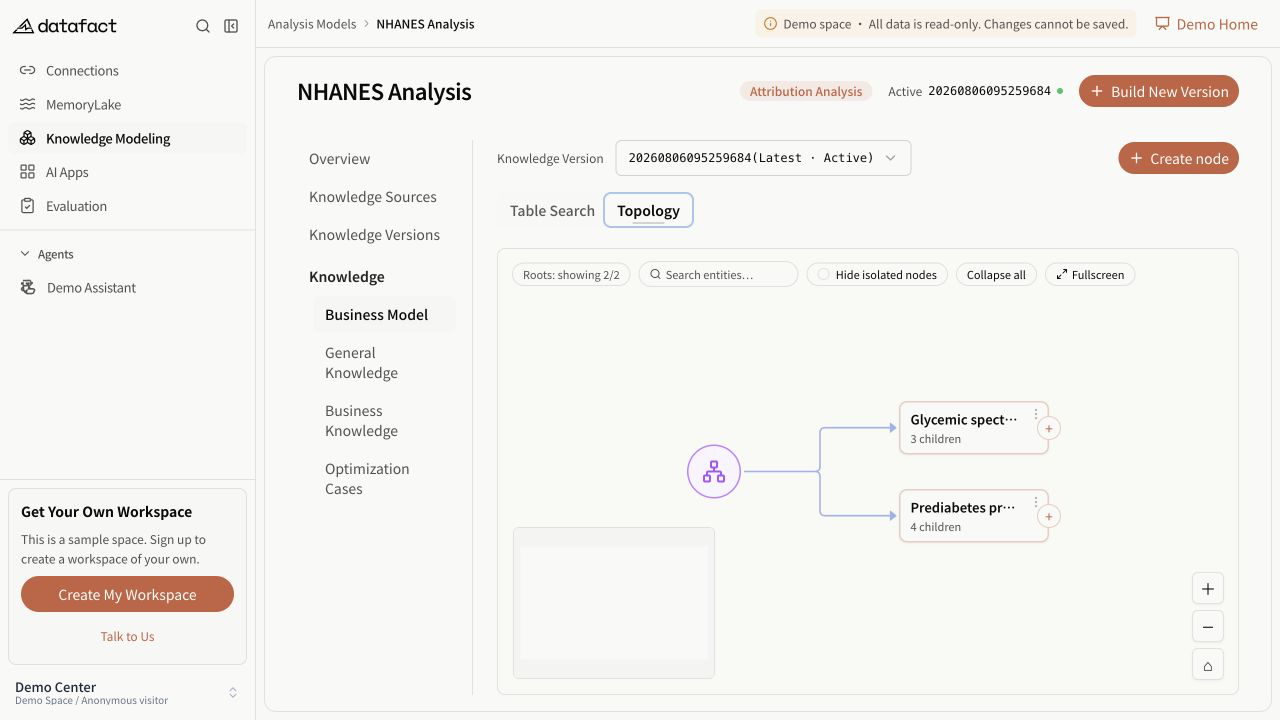
The topology graph is a visual view of drill-down entities. It begins with a virtual Business Model root, then loads real root and island entities for the selected version.
Navigate the graph
- Pan and zoom the canvas, then use fit-to-view when you lose the current structure.
- Select a node's expand control to load its direct children.
- When a parent has many children, reveal more siblings in increments.
- Use collapse-all to return to the initial structure.
- Toggle full screen for a larger canvas; use Escape or the full-screen control to exit.
- Hide islands when you need to focus on connected roots.
The virtual root is a display aid, not a stored business entity.
Search
Graph search matches only nodes that have already been loaded. It expands the loaded ancestor path and focuses a matching node. A zero-match result does not prove that no matching entity exists in an unloaded branch.
Node actions
Depending on the selected version and node state, a node menu can provide:
- copy entity ID;
- add a child;
- edit the entity; and
- delete an eligible node.
Read-only versions retain inspection and copy behavior but omit write actions. Deletion uses service-reported child counts and template rules, not merely the edges currently visible on screen.
Loading and errors
Opening the graph and expanding children are separate requests. If the root request fails, retry the graph. If a child request fails, the node remains unexpanded and DataFact reports the failure; do not interpret it as a leaf.