
Product documentation
Trace citations to source content
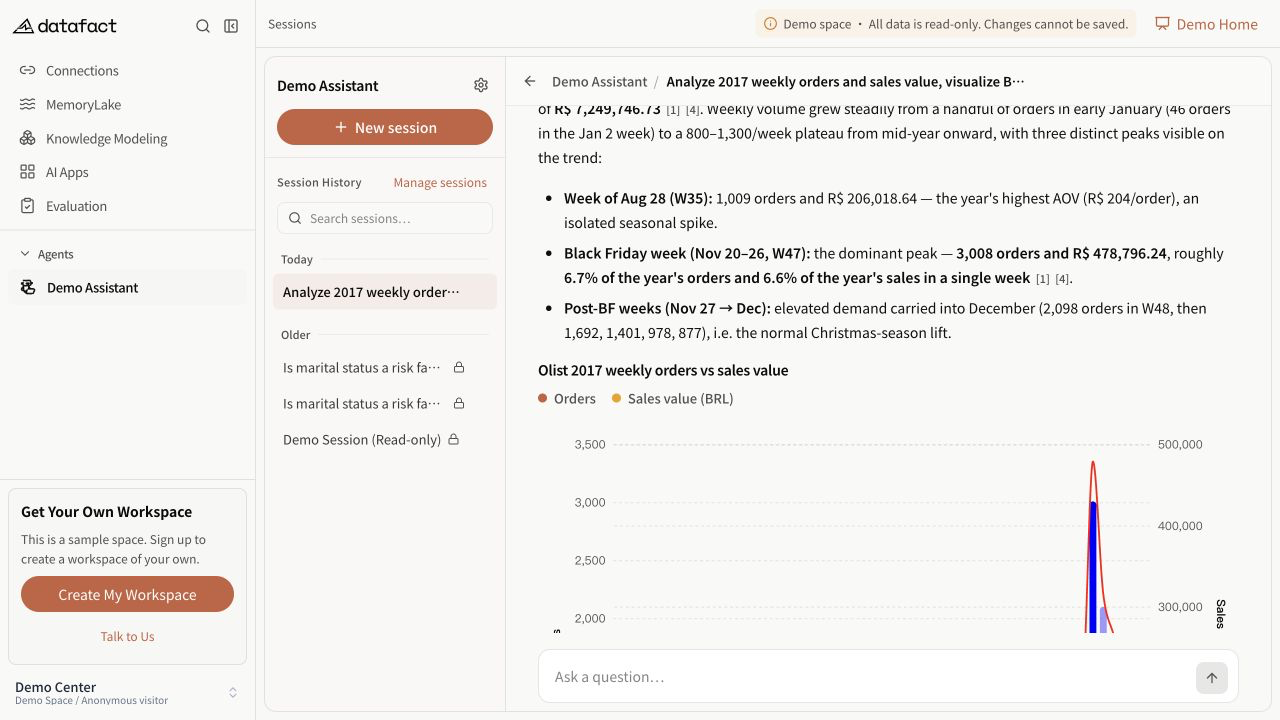
Some completed answers include numbered citation markers such as [1]. A citation identifies source material returned with that answer; it does not, by itself, prove every nearby statement.
Inspect a citation
- Select or point to a numbered citation marker.
- Review the document name, source type, page number when available, and the cited excerpt.
- Open the original or preview when the source action is available.
- Compare the cited content with the exact claim in the answer.
PDF sources can open in an in-product preview. Supported Office and CSV sources can also use an in-product preview. Other available sources open through their source link. The action depends on the file type and whether a usable source URL was returned.
Evaluate the evidence
Check all of the following:
- the excerpt refers to the same subject and time period as the answer;
- the cited text supports the claim rather than merely mentioning related terms;
- units, filters, and qualifiers have not been dropped; and
- multiple claims are not being justified by one unrelated citation.
Missing or unavailable sources
An answer may have no citations. A citation can also lack an openable source link. In either case, do not invent or infer a source. Treat the claim as unverified until you can confirm it through another available source.