
Product documentation
AI Reports overview
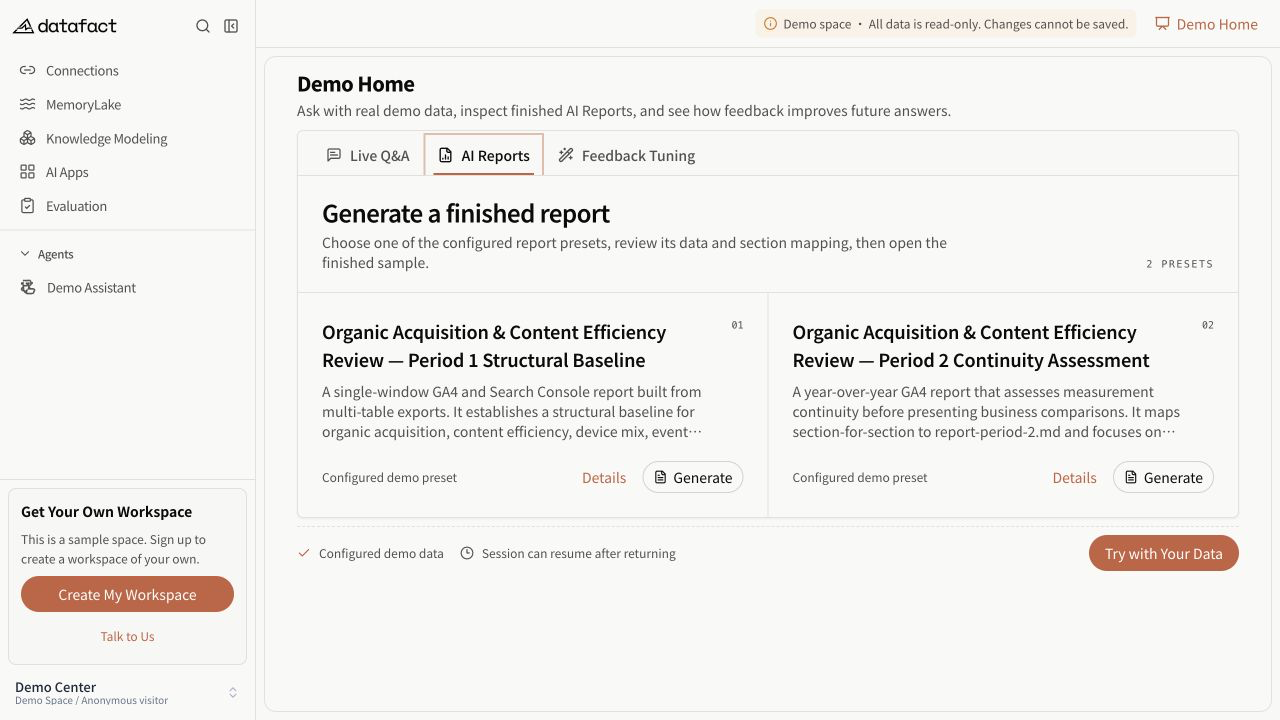
AI Reports is a Preview workflow that uses a reusable template and selected Documents (Excel) to start a report-generation task.
flowchart TD
  A["Define a report template"] --> B["Select Documents (Excel)"]
  B --> C["Map worksheets to sections"]
  C --> D["Start a generation task"]
  D --> E["Review the report record"]
  E --> F["Download when completed"]
Core objects
- Report template: report name guidance, general standards, business knowledge, sections, metrics, and chart requirements.
- Generation task: one request using a template, report name, optional period, selected Documents (Excel), and section-to-worksheet mappings.
- Report record: the visible task result, including status, source names, timestamps, live progress fields when returned, failure information, optional check results, and a download link when allowed.
Availability
The feature is Preview. The visible workflow can differ by deployment: an environment can use the connected report service or a product demonstration flow. Treat only records returned in your current workspace as operational task state.
Important limitations
- A template describes requested output; it does not guarantee that every metric or chart can be produced from the selected data.
- Starting a task is not the same as completing a report.
- AI Reports uses Documents (Excel), not SQL Datasets or Documents (Lite), in the current generation flow.