
Product documentation
Rate an answer
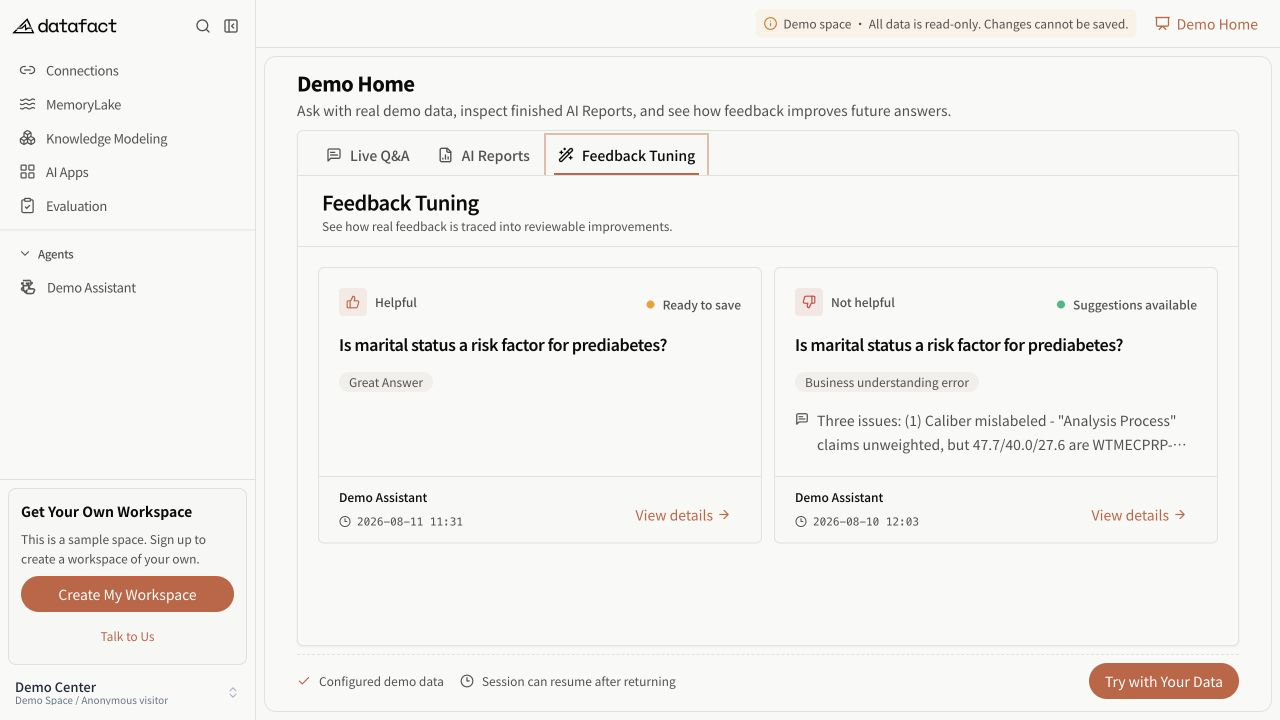
Use the thumbs controls below an Agent answer to record whether it was useful or had a problem.
Rate the answer
- Wait for the assistant answer to finish.
- Select Like or Dislike below the answer.
- For a dislike, optionally choose one or more visible reasons and add a comment.
- Submit the feedback.
Expected result
The selected thumb is highlighted and the active feedback is attached to that answer for the current user.
Availability
The controls require feedback capability, a persisted message ID, a completed eligible answer, and edit access to the feedback. They do not appear on user questions. A viewer who is not allowed to edit can see a read-only feedback summary instead of interactive controls.
Important limitations
- One user has at most one active feedback record per answer.
- Like and Dislike are the only feedback types in the current control.
- A rating is a user judgment; it does not automatically verify or correct the answer.
Errors and recovery
If submission fails, the interface reports an error and does not treat the attempted selection as confirmed. Retry after checking the connection.