
Product documentation
Read an answer
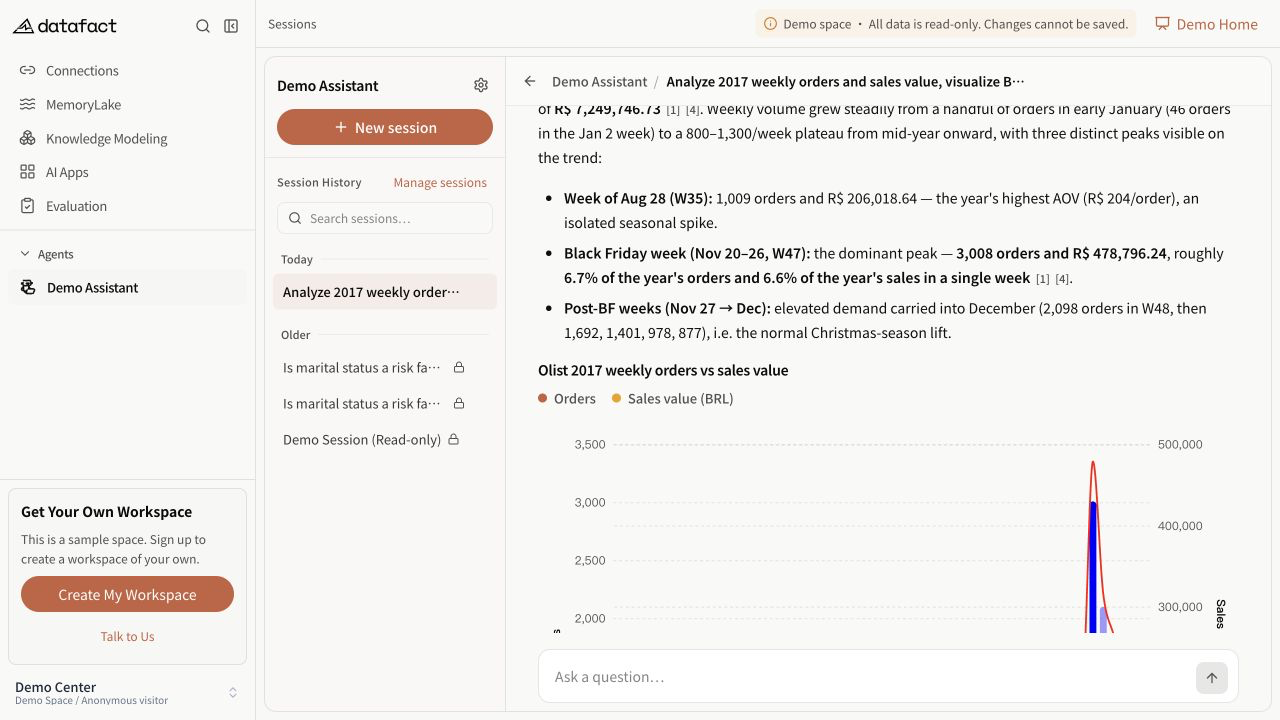
An Agent response can contain progress, reasoning or tool steps, final answer text, and optional supporting outputs. The exact content depends on the Agent and question.
Identify the current state
| State | What it means | What to do |
|---|---|---|
| Waiting in queue | Execution has not started. | Wait or cancel if the result is no longer needed. |
| Thinking… or Processing… | Work is still running. | Do not treat partial steps as the final result. |
| Agent needs your input | The run is paused for clarification. | Answer the displayed request and continue. |
| Final answer text | The response reached a completed result. | Check the answer and any evidence that is actually present. |
| Canceled or failure state | The run did not complete normally. | Read the visible state before deciding whether to retry. |
Inspect the completed response
- Confirm that the final text answers the question you asked.
- Expand or collapse process details when you need to inspect how the result was produced.
- Open citations when they are present and compare them with the claim they support.
- Review charts, tables, and generated files separately; their presence is optional.
- Use Copy only after confirming that the copied answer contains the context you need.
Important limitations
- Execution steps are not the final answer and can include intermediate or superseded information.
- A fluent answer is not proof that it is correct.
- Citations, charts, files, and suggested follow-up questions are not guaranteed.
- A displayed data table or chart still requires you to check labels, units, filters, and time range.