
Product documentation
Sign in and navigate the workspace
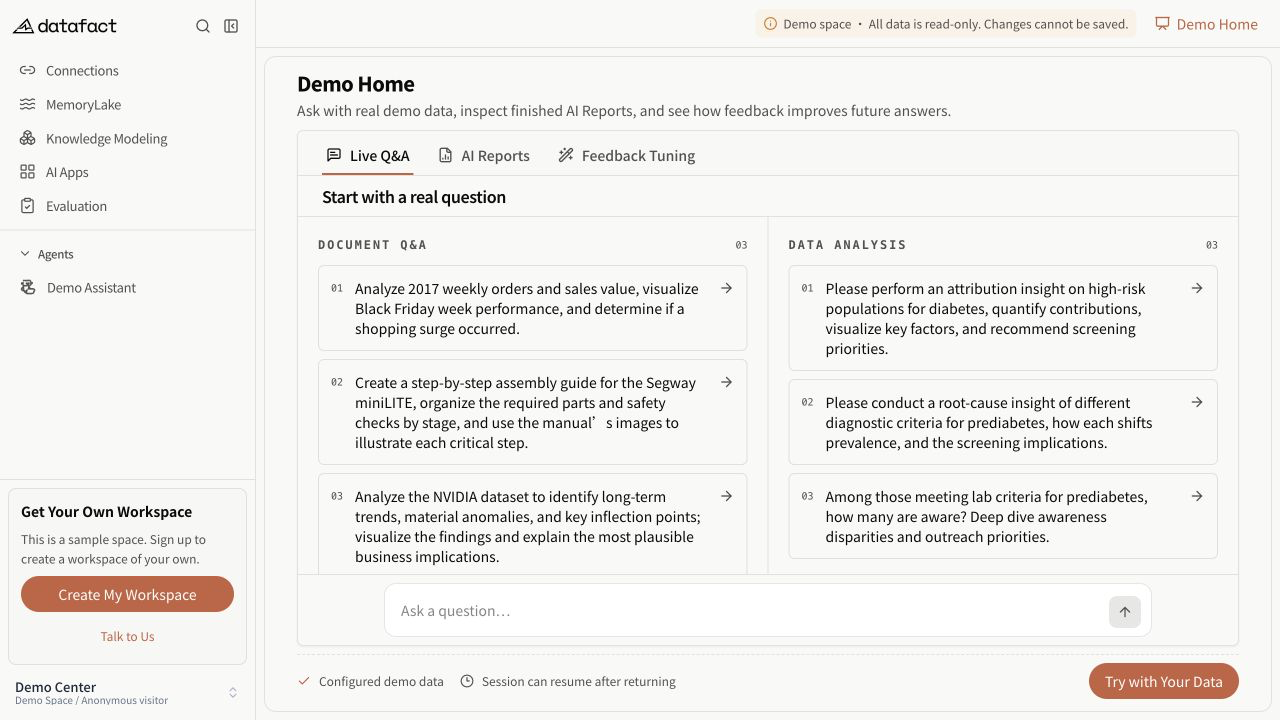
The online Demo Space is read-only, but its navigation matches the user-facing product areas described below.
After signing in, confirm the active workspace before creating or changing resources. DataFact scopes lists and available actions to the current workspace and user.
Main areas
- Agents: open personal or team Agents and their Sessions.
- Document Library: organize uploaded files and folders.
- Databases: create and test database connections.
- MemoryLake: work with Datasets, Documents (Lite), and Documents (Excel).
- Knowledge Modeling: maintain Analysis Models and their versions.
- AI Reports: create templates and tasks when the Preview feature is available.
- Applications: register supported messaging channels when enabled.
- Q&A Management and Test Sets: review or evaluate results when visible.
Navigation behavior
Some resource lists are rendered inside the sidebar rather than as a standalone landing page. Opening an Agent does not create a Session. A Session is created when its first non-empty question is submitted.
Important limitations
Navigation varies by deployment, workspace settings, resource state, and permission. A missing entry does not prove that DataFact never supports the feature.