
Product documentation
Browse questions
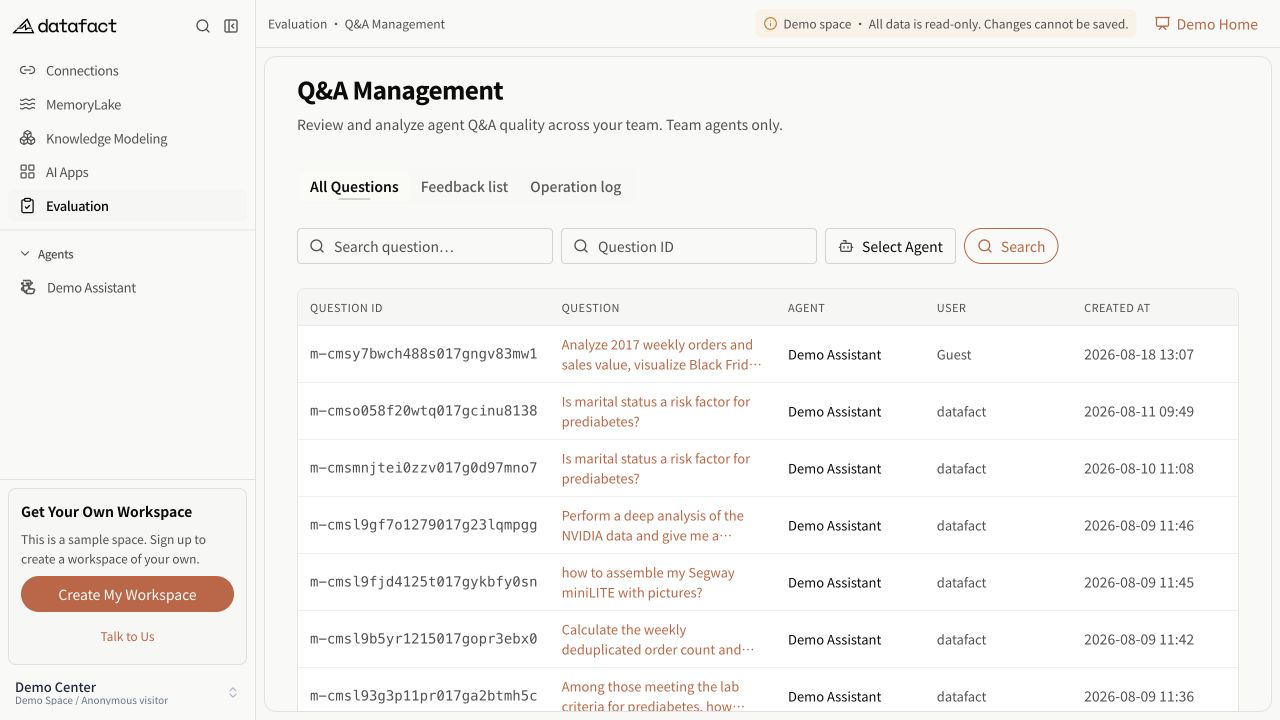
Q&A Management separates All Questions from Feedback Records.
Browse All Questions
- Open Q&A Management when the entry is visible.
- Use the default All Questions tab.
- Review the question ID, extracted question text, Agent, user, and creation time.
- Use the row link to open the related Agent Session in focused question mode.
Availability
The page requires the feature and workspace setting to be enabled and corresponding access. Records returned to an individual user can be narrower than those returned to another user.
Important limitations
- The list reads stored question records; it does not display an active response stream.
- Opening the related Session is subject to that Session's access rules.
- An empty list and a failed query are separate states. Use the retry action on an error state.