
Product documentation
Create a report template
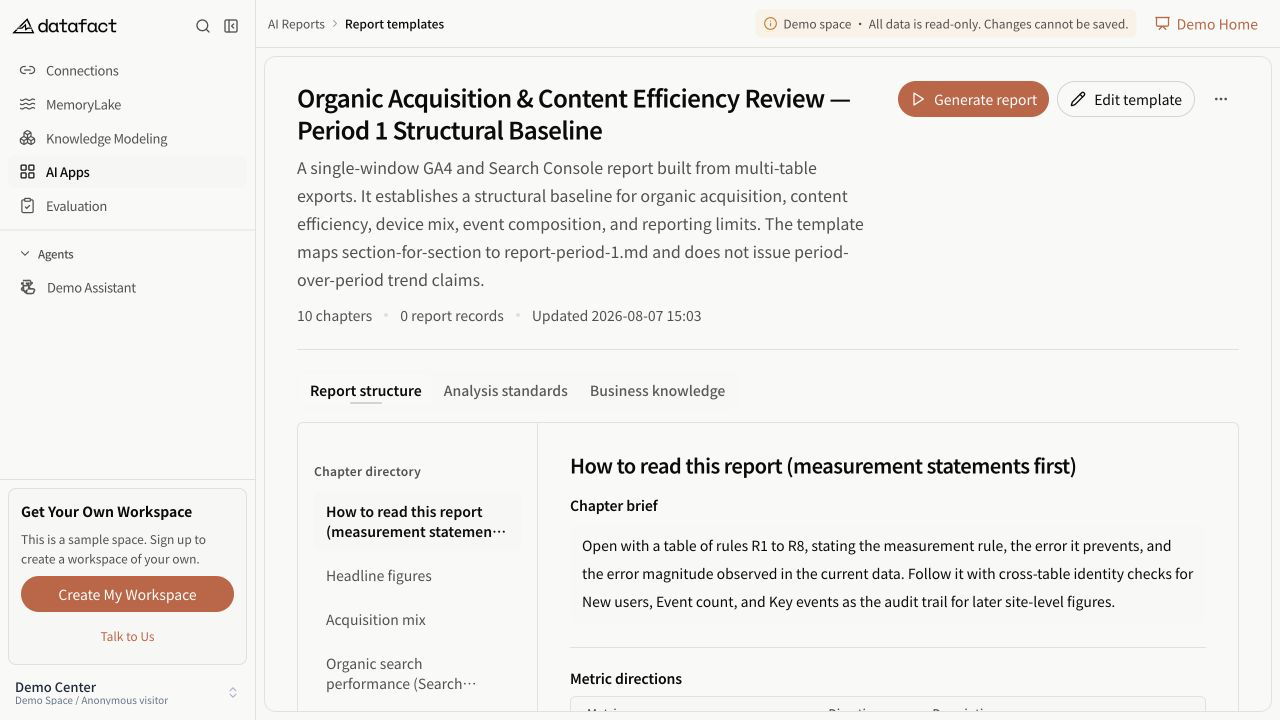
A report template defines the structure and analysis guidance reused by report tasks.
Prerequisites
AI Reports must be visible, and you need corresponding permission.
Create the template
- Open AI Reports and select the Report Templates view.
- Select Create Template.
- Enter a non-empty template name. Add a description, general standards, and business knowledge as needed.
- Keep at least one section. Enter a non-empty heading and intent for every section.
- Optionally add metrics. For each retained metric, provide a name and choose its direction; add a description if useful.
- Optionally add chart requirements as plain-language goals.
- Review the template and save it.
Blank metric names and blank chart-requirement lines are removed from the saved payload.
Expected result
DataFact creates the template and opens its detail page. No report task is created yet.
Important limitations
- Metric direction records whether higher, lower, or descriptive interpretation is intended; it does not calculate the metric.
- Chart requirements are text instructions, not guaranteed chart output.
- At least one section is retained by the current builder, and every saved section requires both heading and intent.
Errors and recovery
If saving is blocked, check the template name and then each section heading and intent. The builder moves focus to the first incomplete section when it can identify one.